
Your server or hosting account has been set up successfully, but email to some addresses fails or goes to spam, such as at Hotmail, Gmail or Yahoo. An SPF record may be the cause.
An SPF record is described here as a Microsoft anti-spam service for checking that your account is genuine.
Important: If email delivery to major providers such as Hotmail, Gmail or Yahoo still fails after setting SPF, their internal procedures may have blocked your IP address. In that case, contact us through a support ticket.
CREATING AN SPF RECORD:
Unless changes such as backup restores or DNS updates have been made to your individual or reseller account, your SPF record is created automatically.
You can check the SPF record through the following link:
https://www.microsoft.com/mscorp/safety/content/technologies/senderid/wizard/
Creating an SPF record:
Sign in to cPanel for the domain you want to configure.
Under Domains, click Advanced DNS Zone Editor.
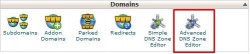
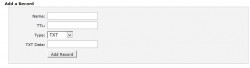
Name: domain.com. (Always add a final dot after the domain.)
TTL: 14400
Type: TXT
TXT Data: “v=spf1 ip4:00.00.00.00 a mx ptr include:domain.com ~all”
Enter the IP address and domain name in the sections marked in red.
Click Add Record to complete the record.
Another method uses Edit DNS Zone in the WHM panel.
Open the relevant account in Edit DNS Zone. At the bottom of the page is a section for adding a new record.
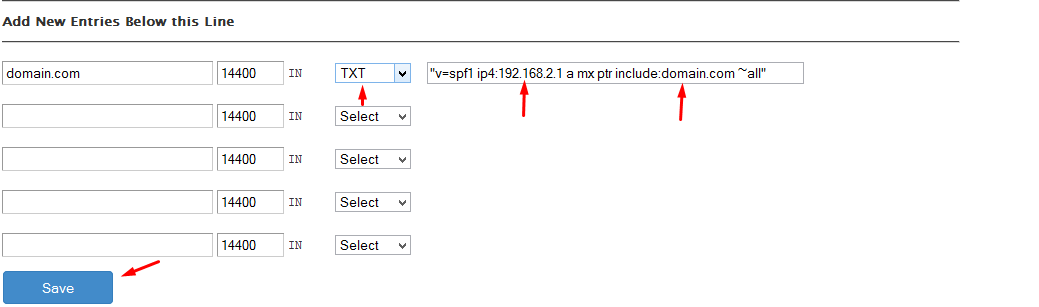
Configure it as shown in the image and click Save.


